


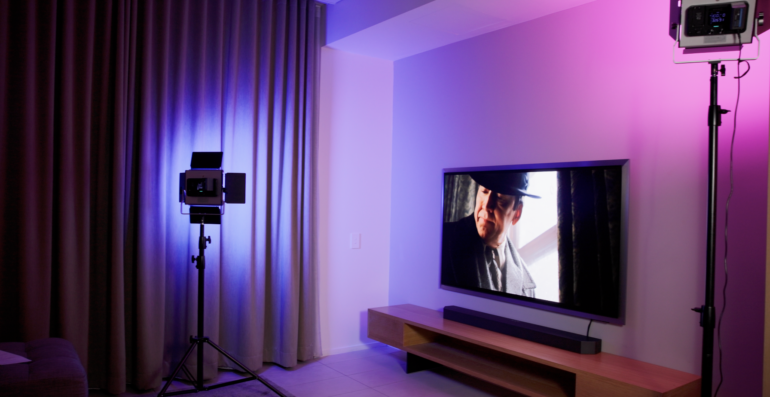
OLED TV technology has well and truly earned its place as one of the best-looking picture types you can buy. The deep blacks, stunning contrast and wide viewing angles make it a standout choice for any living room. Samsung has now taken things up a notch with the Samsung S95H OLED TV, its brand new flagship OLED for 2026, and there are some genuinely exciting improvements that make this a TV worth talking about.
I spent time with the 65″ S95H at a Samsung showcase in Australia, putting it through a range of content from standard definition archive footage to 4K HDR cinema, and what I saw was impressive. The headline number is a 30 per cent brightness boost over last year’s model, which might not sound dramatic on paper but makes a very real difference when you are watching it in person. Add in the new FloatLayer design, Samsung Art Store access, expanded HDMI connectivity and some genuinely clever AI smarts, and the S95H sets a new high watermark for what a premium OLED should be.
Samsung S95H OLED TV specifications and price
| Specification | Details |
|---|---|
| Display | QD-OLED, 4K (3840 x 2160), Glare-Free certified |
| Screen sizes | 55″, 65″, 77″, 83″ |
| Refresh rate | 165Hz native |
| HDR support | HDR10, HDR10+, HLG |
| Peak brightness | Up to 30% brighter than previous generation |
| Processor | NQ4 AI Gen3 |
| HDMI ports | 4x HDMI 2.1 (+ 4x more via optional Wireless One Connect box) |
| Audio | 4.2.2 channel, 70W RMS, Dolby Atmos |
| Smart TV platform | Tizen OS, Samsung Vision AI |
| Gaming | 165Hz, AMD FreeSync Premium Pro, NVIDIA G-Sync Compatible, ALLM, Game Bar |
| Design | FloatLayer with Wireless One Connect box (sold separately) |
| Art Store | Yes (first Samsung OLED with Art Store) |
| Connectivity | Wi-Fi, Bluetooth, USB, Optical |
| Price (55″) | $3,999 AUD |
| Price (65″) | $5,299 AUD |
| Price (77″) | $7,999 AUD |
| Price (83″) | $9,999 AUD |
| Website | samsung.com/au |
Design: A premium TV with a lifestyle attitude
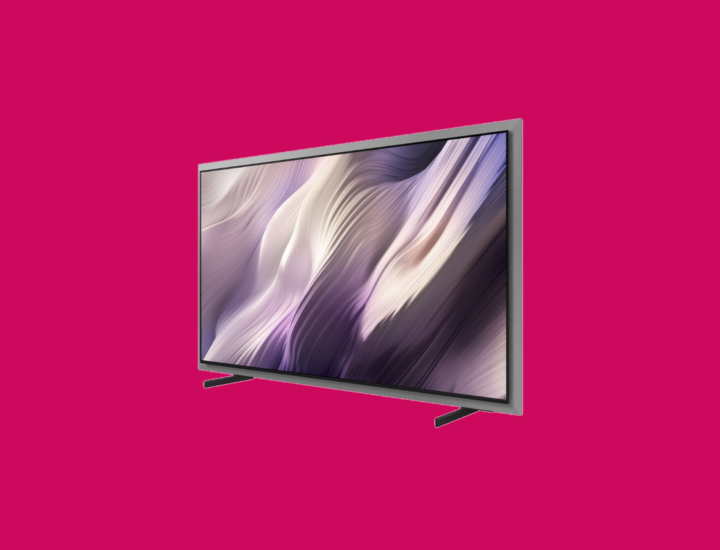
The first thing you notice about the S95H is that it looks quite different from last year’s model. Samsung has introduced what it calls the FloatLayer design, and it is a real statement. A metallic edging frames the panel itself, giving the TV a distinctly premium and architectural feel. It is a look that will divide opinion, and I think it is worth being honest about where it works and where it does not.
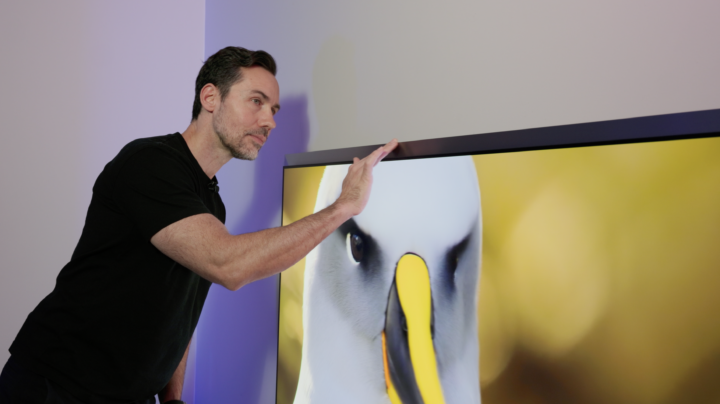
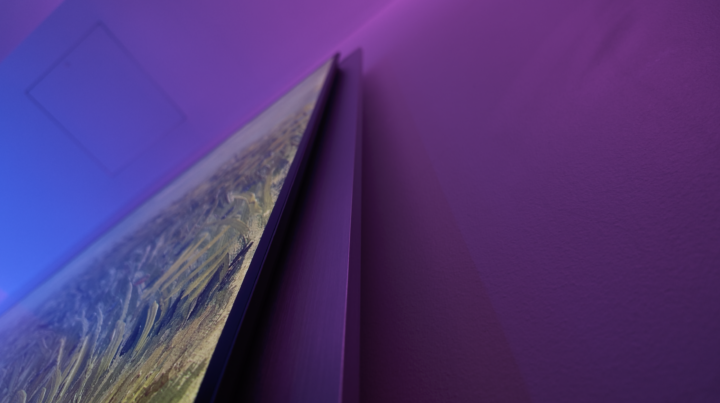
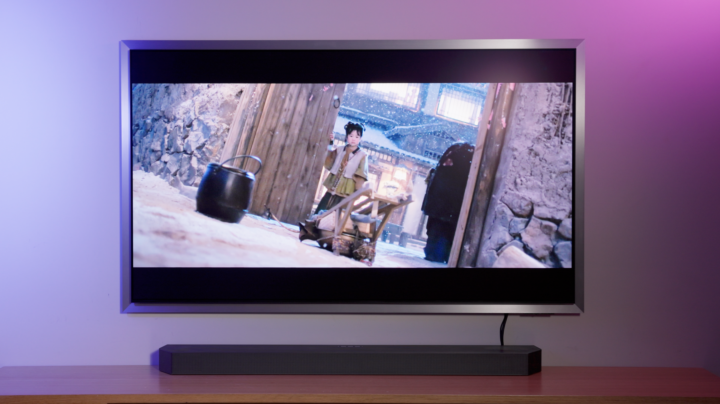
On the wall, the S95H looks brilliant. Samsung has a new Slim Fit wall mount that puts the TV flush against the wall with zero gap between panel and surface. The FloatLayer framing combined with that zero-gap mount creates the impression the display is literally floating in the room. It genuinely looks like art before you even turn it on. Where it works less well is on the supplied stand, which positions the TV on two separate feet that slide out towards the outer edges. The silver metallic framing looks a little unusual sitting on an entertainment unit rather than wall-mounted, and I would suggest most buyers seriously consider the wall mount option to get the full effect of this design language.
Setup is straightforward. The stand feet clip in without screws, which is a nice touch. There is also a gap cut into the rear panel for the optional Wireless One Connect box, which is one of the S95H’s more genuinely clever features. Connect your PlayStation, Xbox or Blu-ray player to the One Connect box and it can wirelessly transmit video signals at 4K resolution and 165Hz to the TV from up to 10 metres away. That means no cable runs across the room, no visible wires behind the panel on the wall. It is the kind of thinking that shows Samsung has considered not just how this TV looks turned off, but how it lives in a home day to day.
Picture quality: More brightness, same stunning OLED contrast
The 30 per cent brightness improvement is the headline spec for this year’s S95H, and after spending time watching content on it, I can say this is not a number that exists only on a spec sheet. OLED has historically struggled against LCD televisions when it comes to peak brightness, which has limited its appeal for living rooms that get a lot of natural light. The S95H closes that gap meaningfully.

What makes this more impressive is that the S95H uses QD-OLED technology, meaning that as the screen gets brighter, color saturation stays consistent. Colors remain pure and do not fade or wash out as they would on a conventional OLED pushing its limits. Watching content like Project Hail Mary was a great demonstration of this: scenes that combined intensely bright star fields with deep black space revealed excellent highlight rolloff, with nothing blooming or streaking. Star Wars content showed similarly impressive color volume, with lightsaber colors punching through dark scenes without the kind of banding you might see on lesser panels.


The S95H is Pantone certified across more than 2,000 colors, including approximately 1,900 skin tones, which matters for anyone who cares about realistic, accurate picture reproduction rather than oversaturated pop. You can also refine settings further using Samsung’s AI modes, training the TV to apply specific looks to different content types whether that is movies, sport or general viewing.
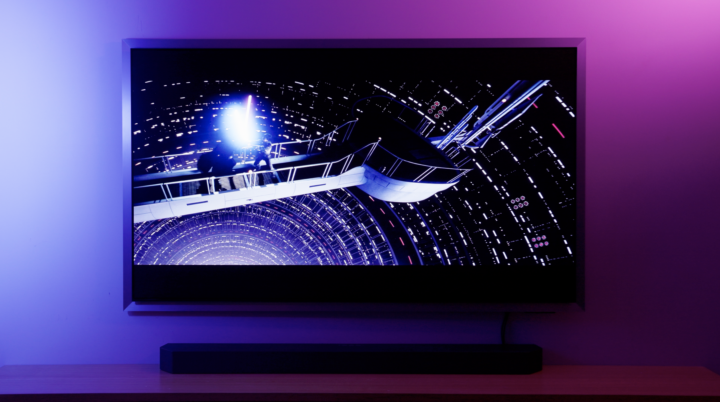
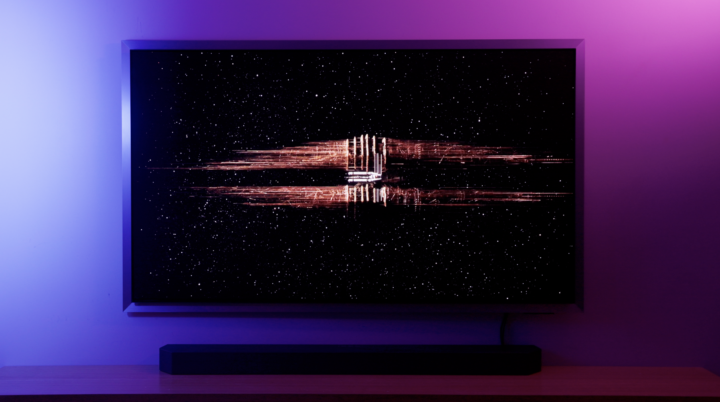
One of the other significant upgrades is the glare-free coating. OLED panels have traditionally featured glossy finishes that act as mirrors in bright rooms. Samsung’s solution is an embossed matte coating over the panel that diffuses light and minimises reflections without visibly degrading the image. Pulling back curtains to flood the room with light while the S95H was displaying dark content showed almost no visible reflection. Crucially, the colors and brightness remained clean, without the greyish cast that cheaper anti-reflective coatings can introduce. For anyone who has hesitated on OLED because of a bright living room, this genuinely addresses that concern.


Art Store: Your TV as a canvas
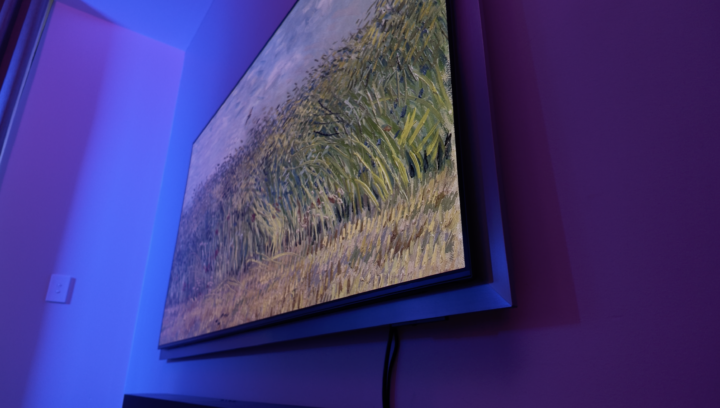
The S95H is the first Samsung OLED to feature the Samsung Art Store, and it is a genuinely impressive addition. Previously, displaying static artwork on an OLED TV for extended periods raised concerns about burn-in. Samsung has addressed this with technology that allows the S95H to show a static image over long periods without that risk, which opens the door to the Art Store experience in a way it has not been before on an OLED screen.
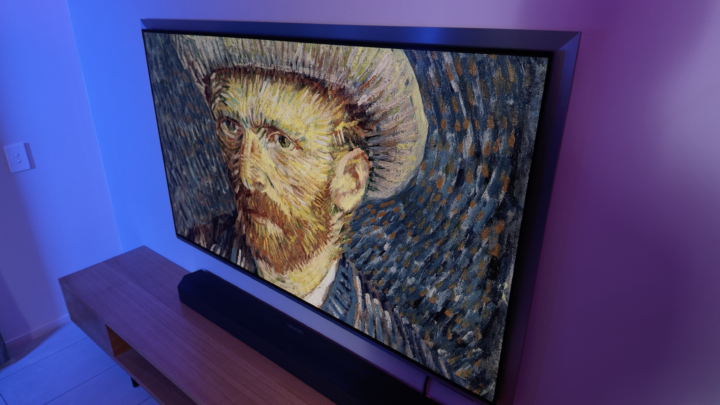
The Art Store gives you access to more than 5,000 artworks sourced from galleries around the world. When displaying a piece of art, the S95H reduces the brightness of the image while the matte finish helps it sit naturally in the room. I was genuinely surprised by how convincing the effect was. Both myself and the cameraman I was working with remarked independently that the artwork looked remarkably at home on the screen. It does not look like a TV showing a photo of a painting. It looks much closer to having a print on the wall.
Whether this feature justifies the premium over a mid-range OLED will depend entirely on how you use your TV. If it spends most of its day showing sport and movies it may not matter much to you. But if you are someone who wants a TV that earns its place in a well-designed living room even when switched off, the Art Store is a compelling differentiator.
Gaming: 165Hz and eight HDMI 2.1 ports
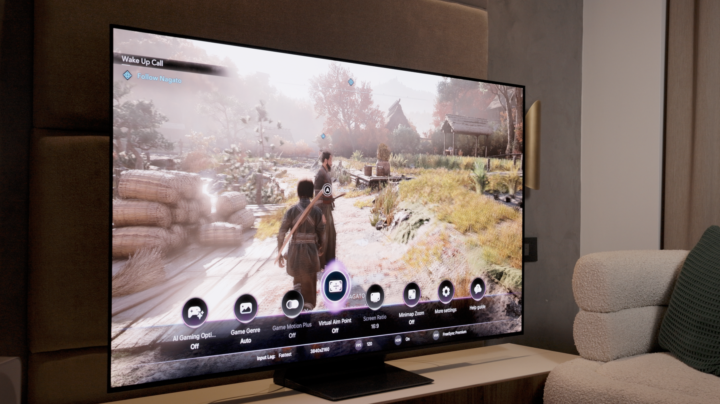
The S95H takes gaming seriously. The 165Hz native refresh rate puts it ahead of most rival OLEDs that top out at 144Hz, and the panel can handle content beyond what even the current generation of consoles can push. PC gamers connecting a high-end graphics card will feel the benefit most.
The connectivity story is where the S95H becomes genuinely unusual. The four HDMI 2.1 ports on the TV are already competitive, but add the optional Wireless One Connect box and you effectively have eight HDMI 2.1 ports available, more than any other TV I am aware of. For someone running a PlayStation, Xbox, PC and streaming devices simultaneously, this removes the need for an HDMI switcher entirely.
The Game Bar overlay provides quick access to gaming settings without leaving your game, and the S95H also supports AMD FreeSync Premium Pro and NVIDIA G-Sync Compatible for variable refresh rate performance. There is also support for Xbox Game Pass cloud gaming and NVIDIA GeForce Now, so you can stream games directly through the TV without any console at all. Samsung’s AI Football mode is worth a mention as well, using AI processing to enhance pitch color saturation, sharpen text on jerseys and scoreboards, and boost crowd audio. It works across other sports too, with the additional option to dial the crowd sound up or down independently of the commentary.
Smart features: Samsung Vision AI does a lot
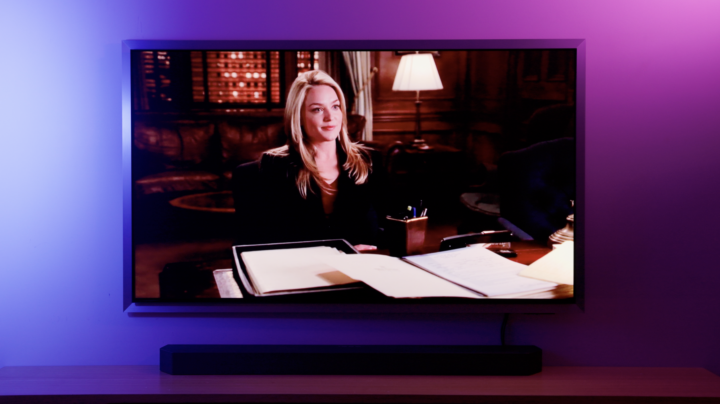
The S95H runs Samsung’s NQ4 AI Gen3 processor, which handles everything from upscaling to motion handling to color processing. Watching old Law and Order episodes in standard definition was a reasonable test of the upscaling: the footage looked noticeably better than the source material deserved, without the over-sharpened artifacts that some AI upscaling introduces.
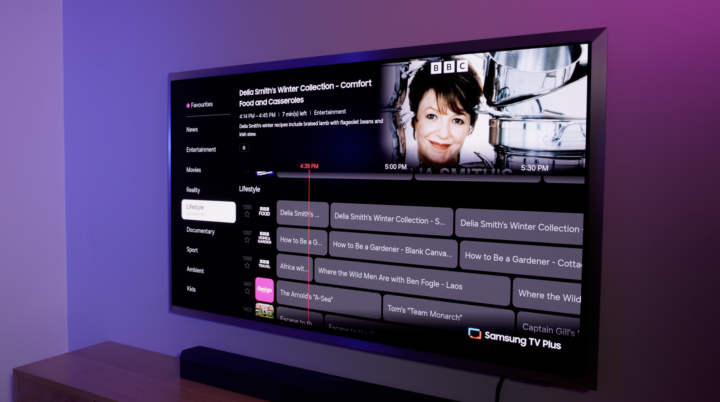
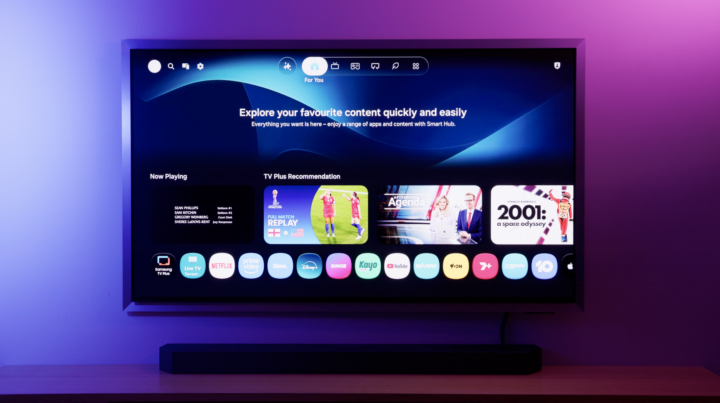
Samsung’s Tizen-based smart TV interface is clean and well-organised. The home screen now lets you select different content modes at the top, toggling between everyday viewing, live sports and the Art Store. Streaming apps and recently watched content are easily accessible, and the system learns your preferences over time. There are also close to 200 free live streaming channels built in across news, entertainment, lifestyle and documentary content, all at no extra cost.
Samsung Vision AI is the AI assistant built into the S95H, and it has its own dedicated button on the remote, which tells you how seriously Samsung is treating it. You can use it to search for content using natural language, ask for recommendations, or narrow down what you want to watch without scrolling through tiles. Something like ‘show me some movies with Brad Pitt’ returns relevant results to its dedicated interface, or you can just ask it for details on anything from good restaurants in your area or the history of the pyramids.
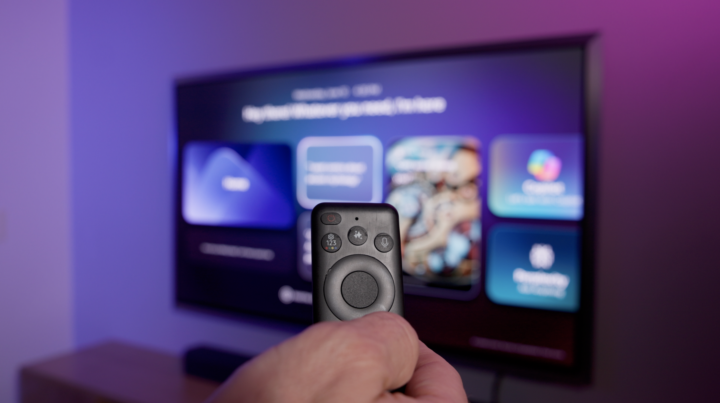

One thing worth knowing going in: Samsung Vision AI does not have a persistent memory between sessions. Within a single conversation you can build context, stack information and refine your requests, but once you close it out, it forgets what it knows about you and you start fresh next time. That is a meaningful difference from AI assistants like ChatGPT, which can remember your preferences across multiple sessions. Speaking of which, you can hook in to other AIs such as CoPilot and Perplexity, and Samsung says that through your accounts with these, you can potentially access details from your schedule and emails if you wish. What’s clear is that Vision AI is genuinely useful as an in-session content discovery tool, but without a persistent memory, it won’t really know you.
Sound: Surprising depth from a slim panel
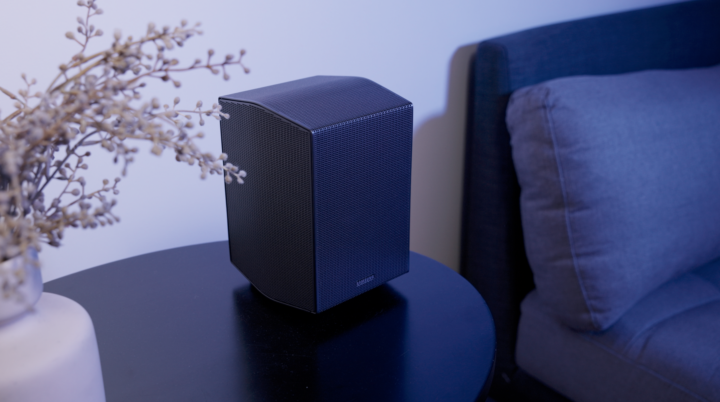
Getting good sound out of an OLED panel is genuinely challenging. The thinner the panel, the less room there is for speaker drivers and the air volume they need to move. Samsung’s answer with the S95H is an eight-speaker system rated at 70 watts in a 4.2.2 configuration: two up-firing, two side-firing and two down-firing speakers, delivering a Dolby Atmos soundstage from within the TV chassis itself.
The result is better than I expected. Bass is audible and holds together at higher volumes without falling apart. The Active Voice Amplifier Pro identifies dialogue in the mix and pushes it forward when there are competing sounds like explosions or ambient noise, while Adaptive Sound Pro analyses the content being played and adjusts the overall tuning accordingly. Object Tracking Sound uses all eight speakers to position audio in line with on-screen action, so a character moving across the screen or a plane flying past actually sounds like it is moving through the room.


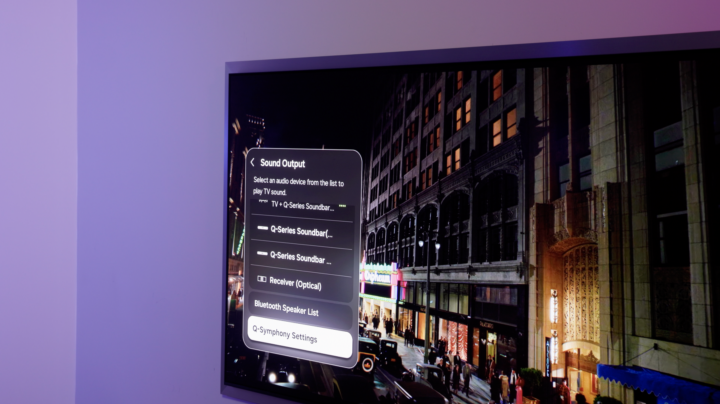
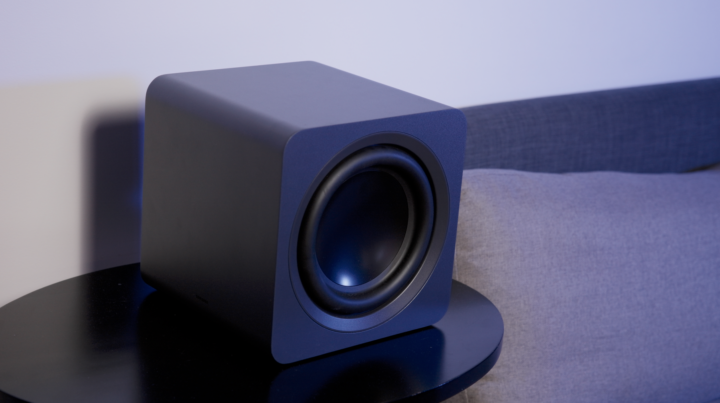
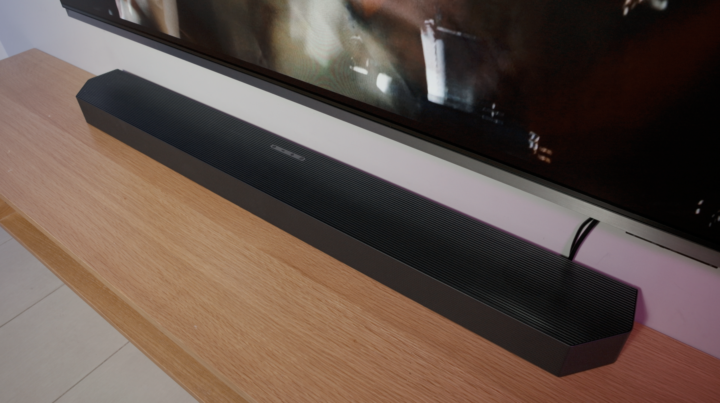
For a lot of buyers, the built-in speakers will be more than adequate for everyday viewing. Heavy home cinema enthusiasts will likely pair the S95H with a soundbar, and Samsung’s Q-Symphony technology ensures the TV’s own speakers work in conjunction with a compatible soundbar rather than simply switching off when one is connected.
Should you buy the Samsung S95H?
The Samsung S95H is not a dramatic reinvention of what an OLED TV is. It builds on an already excellent foundation, and the improvements it delivers are meaningful rather than revolutionary. The 30 per cent brightness boost genuinely matters, both for high dynamic range performance and for making the S95H viable in living rooms that see a lot of daylight. The glare-free coating tackles OLED’s long-standing reflectivity problem in a way that does not compromise the image. The FloatLayer design and Art Store access push this into lifestyle and premium territory where the price starts to feel justified.
At $5,299 for the 65-inch model, the S95H is firmly a premium purchase. Rival OLEDs and high-end Mini-LED TVs offer strong competition at lower price points. But if you want the brightest, most feature-complete OLED Samsung has ever made, one that works as well on your wall as a piece of art as it does playing back a 4K HDR film on a Saturday night, the S95H is the one to buy.
The Samsung S95H is available in four sizes. The 55-inch model starts at $3,999 AUD, the 65-inch is $5,299 AUD, the 77-inch is $7,999 AUD and the 83-inch tops out at $9,999 AUD.
FloatLayer is Samsung’s 2026 design language for the S95H. It features a metallic frame around the panel and is designed to be wall-mounted flush to the surface using the optional Slim Fit wall mount, creating the appearance of the display floating directly on the wall. The Wireless One Connect box allows all cables to be hidden at the source, keeping the wall installation clean and wire-free.
Yes. The S95H features a certified Glare-Free matte coating that significantly reduces reflections from ambient light sources. Unlike some anti-reflective coatings, Samsung’s implementation does not visibly degrade color accuracy or brightness, making the S95H a strong option for bright living rooms where traditional OLED panels can struggle.
The S95H is an excellent gaming TV. Its 165Hz native refresh rate exceeds the 120Hz ceiling of current console generations and is well-suited to PC gaming. It supports AMD FreeSync Premium Pro, NVIDIA G-Sync Compatible, Auto Low Latency Mode and the Samsung Game Bar. With the optional Wireless One Connect box, the S95H can offer up to eight HDMI 2.1 ports, more than any comparable TV on the market.
Samsung Art Store is a curated library of more than 5,000 artworks from galleries around the world, displayed on the TV in an ambient mode when it is not being used for regular viewing. The S95H is the first Samsung OLED to support the Art Store, with burn-in protection technology that allows static images to be displayed safely over extended periods. Combined with the S95H’s matte Glare-Free coating, the artwork display is genuinely convincing and represents a significant lifestyle upgrade for buyers who want their TV to double as a decorative element in the room. A subscription costs $5.99 (AUD) per month.
The post Samsung S95H OLED TV review: The brightest OLED Samsung has made appeared first on GadgetGuy.
0 (mga) komento:
Mag-post ng isang Komento