


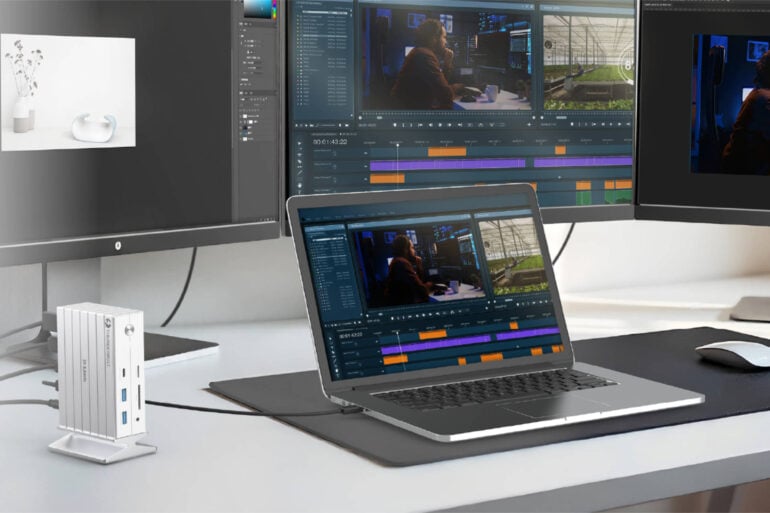
Docking stations have been around a long time and truly make laptops more portable. You only have to plug in and remove one cable when you leave your desk with your laptop. One of the most recent docks is the D-Link 14-in-1 Thunderbolt 4 docking station (DUF-E01), which I tried out.
Aside from the Thunderbolt 4 support, this dock can connect up to 14 devices, including a laptop. Obviously, laptops don’t have 13 ports, so it’s an easy way to connect all of your peripherals at the same time without cables going everywhere.
Not all USB-C cables and ports are created equal, and although they look the same, a Thunderbolt 4 USB-C interface can transfer up to 40 Gbps of bidirectional data and up to 100W of power. This then gives you many different connectivity options.
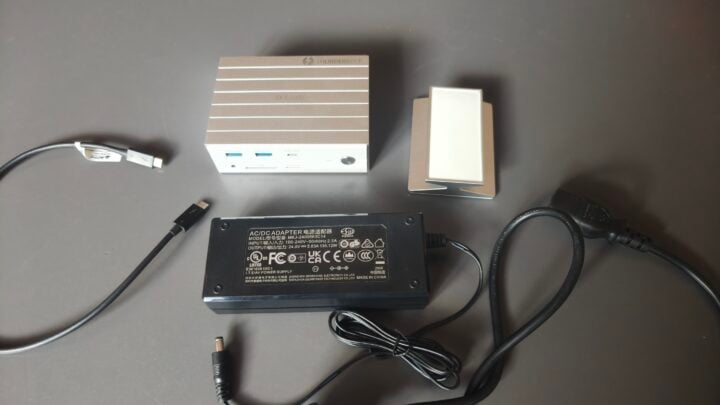
Housed in an aluminium box, the D-Link DUF-E01 comes with a separate power brick and mains power cord that will charge your laptop at up to 60W. It costs $549.95 in Australia via D-Link’s website and various tech retailers.
You can have up to two 4K monitors working via the dock, for a total of three displays (including the laptop’s built-in screen). You could have up to three external monitors at lower resolutions or a single 8K monitor with this docking station. An aluminium stand is also included, giving you the option of mounting the dock vertically. Alternatively, you can sit the dock horizontally.
The physical ports you will find include:

- Video ports: 1x HDMI 2.1, 1x DisplayPort 1.4, 1x Thunderbolt 4
- USB ports: 1x USB-C (10Gbps), 2x USB-A (10Gbps), 1x USB-A (5Gbps), 2x USB-A 2.0
- Card readers: SD 4.0 and microSD 4.0 (UHS-II support)
- Networking: Gigabit Ethernet (RJ-45)
- 3.5mm combo audio jack
- Power input socket
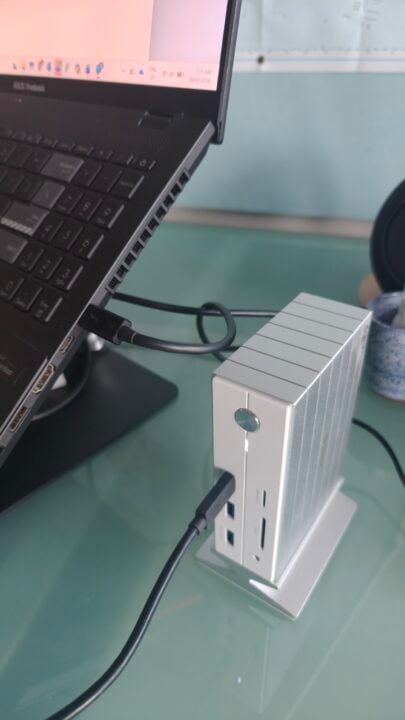
I use an ASUS Vivobook, and although the D-Link indicates it is fast charging at 60W, my power-hungry laptop shows slow charging. Not all laptops support fast charging via USB-C, so make sure to check what your device is capable of. The dock will, however, support 60W + 15W USB charging, which means power will not drop when you are, say, charging a smartphone.
I think I fell for it when setting up the unit, as I plugged the supplied Thunderbolt 4 cable into the wrong USB-C port, which caused the dock to stop working. It is marked, but unless you know which port is correct (the top one with a picture of a PC and a Thunderbolt), you have a 50% chance of picking the wrong one.
The dock has certainly simplified the cable sprawl on my desk, and I like the forward-facing USB ports, which come in handy whenever I have a new gadget to plug in to charge or connect. I also like that the unit has a forward-facing microSD card port, which makes it easier to transfer photos and videos.
While I thought I would just test this device and return it to its box, this docking station has earned its place on my desk, allowing me a much faster transition to my laptop bag when I go to a meeting.
The post D-Link’s 14-in-1 docking station has become essential to my desk appeared first on GadgetGuy.
0 (mga) komento:
Mag-post ng isang Komento