


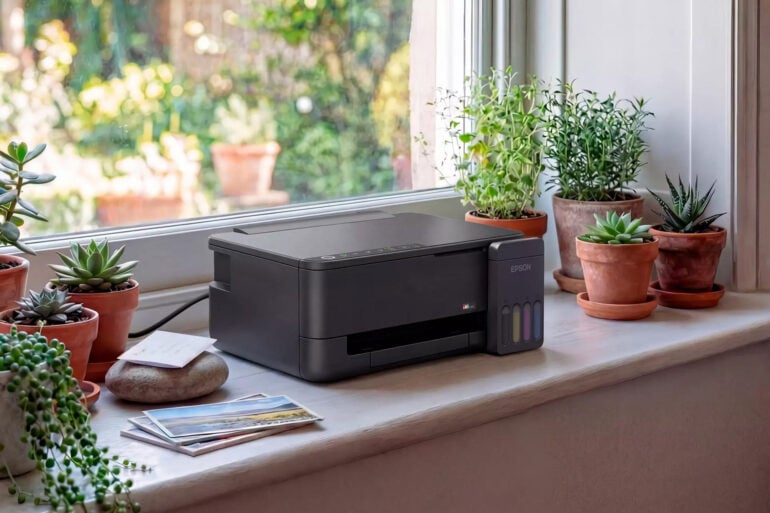
We were talking about printers at the GadgetGuy office, and it turns out everyone either had a home printer or knew someone who did. We still need printers for kids’ schoolwork, printing and signing contracts, concert and travel tickets, etc., or even to make the occasional sign. So if you need a printer for that occasional paper fix, what really is the cheapest printer you can get away with?
I visited Officeworks and found an HP printer for $38, so why would you consider Epson’s cheapest ($399) all-in-one EcoTank ET-2910 printer instead? First, let’s understand the difference between the two.
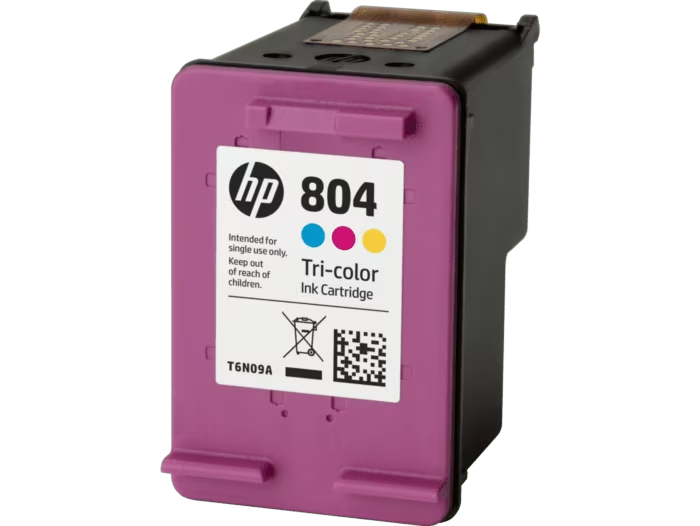
Both are inkjet printers that work by spraying ink onto paper to form text or images. The HP is an inkjet cartridge printer that uses cartridges to store the ink. These need replacing when the ink runs out. The Epson is an inkjet printer with an ink tank reservoir (Ecotank). This can be refilled from a bottle.
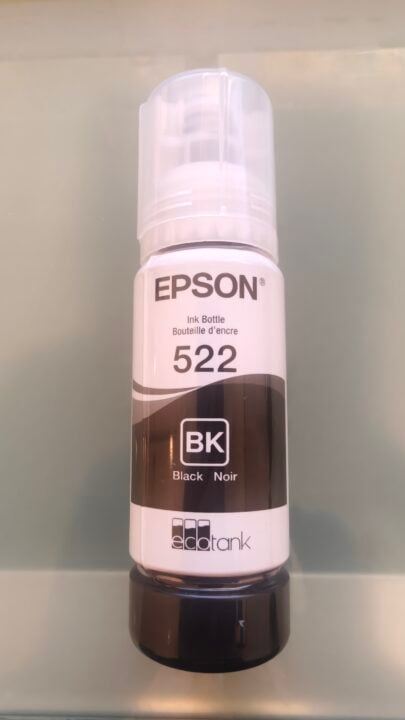
Image: Angus Jones
Ink tank vs cartridge printers: which is cheaper to run?
An ink tank printer will produce approximately 4,700 to 7,500 pages per bottle of ink. A cartridge printer may print as few as 100 pages per cartridge. There are, of course, many variables: ink bottle and cartridge sizes and the amount of ink required on each page. For example, a half-page of text will use less ink than a page covered in pictures.
I’ll use today’s pricing from the Officeworks website for a cheap cartridge printer and a cheap ink tank printer for our comparison.
| Item | Price | Page yield |
| HP printer | $38 | – |
| HP black ink cartridge | $29 | 120 sheets |
| HP tricolour ink cartridge | $29 | 100 sheets |
| Epson EcoTank ET-2910 printer | $399 | Included ink: 3,600 pages black, 6,500 pages colour |
| Epson black ink bottle | $17 | 4,700 pages |
| Epson yellow ink bottle | $16 | 7,500 pages |
| Epson cyan ink bottle | $16 | 7,500 pages |
| Epson magenta ink bottle | $16 | 7,500 pages |
Of course, once you have used up all the ink in the Epson, you will need to buy more at a cost of $65 for the 4 bottles required. But you can see from the below calculations that although the $38 printer seems cheap, the $399 Epson is the cheapest printer in the long run.
| Scenario | Cartridge printer | Ink tank printer |
| Black and white, 7,500 pages | $1,865 (printer + 63 cartridges) | $464 (printer + a full set of 4 colour ink bottles) |
| Black and white, 2 pages a day for 3 years (about 2,190 pages) | approx. $560 | $399 (within included ink) |
| Colour, 4,500 pages | approx. $1,343 | $399 (within included ink) |
| Colour, 2 pages a day for 3 years (about 2,190 pages) | approx. $647 | $399 (within included ink) |
Looking beyond the maths
The Epson ET-2910 allows you to print, scan, and copy documents. Epson does have a cheaper model, the ET-1910, for $299, but it only prints. The Epson ET-2910 will print on paper, but also allows you to print photos using special photo paper up to 10 x 15cm (4 x 6 inches). I reckon the extra functionality is worth the cost.
The printer is designed to be wireless-first, meaning you connect to it via your home Wi-Fi network. You can also use your smartphone to connect directly without Wi-Fi. It does not have an Ethernet port, but you can connect directly to a PC via a USB cable.
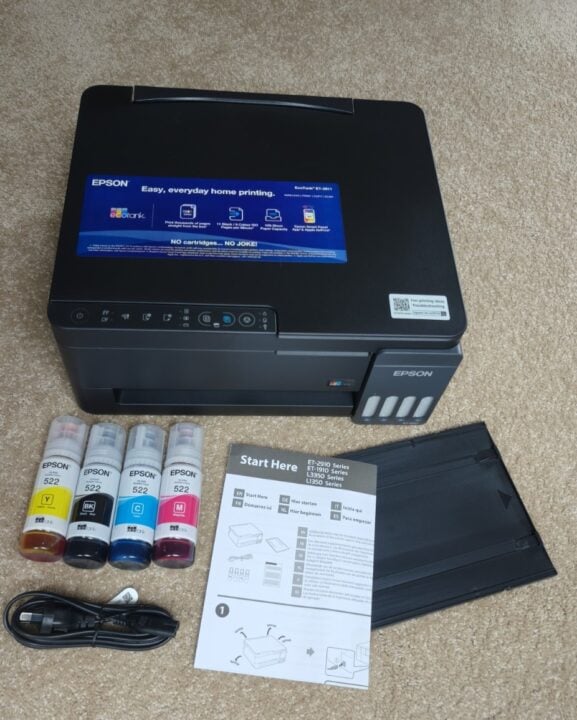
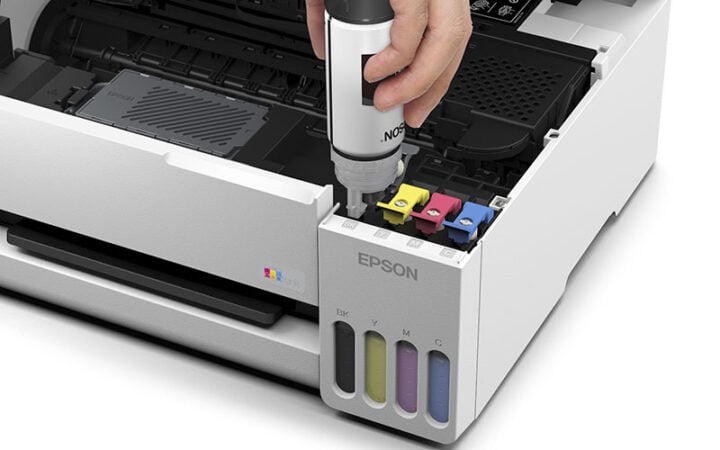
Ink is restocked by buying bottles of black ink, allowing you to print about 3,600 pages, and the three coloured bottles plus black allow you to print about 6,500 pages. Refilling is not a concern as the bottles are designed for mess-free transfer and will not allow you to overfill your printer. The rear paper feeder can hold up to 100 pages, and a front tray is provided to catch the output pages.
Setup can be done either with the Epson app or on your PC (requires a USB cable for the initial setup). I did have an issue with the PC setup procedure, but I overcame it by downloading the smartphone app and changing my setup method.
The Epson EcoTank ET-2910 provides good-quality prints at a low total cost per page. It is a handy addition for home use, allowing you to photocopy, scan and print documents. If you only ever printed one page a day, the supplied ink would last you up to 10 years.
Read more Epson articles on GadgetGuy.
The post Cheapest printer to buy: cartridge vs ink tank appeared first on GadgetGuy.
0 (mga) komento:
Mag-post ng isang Komento