


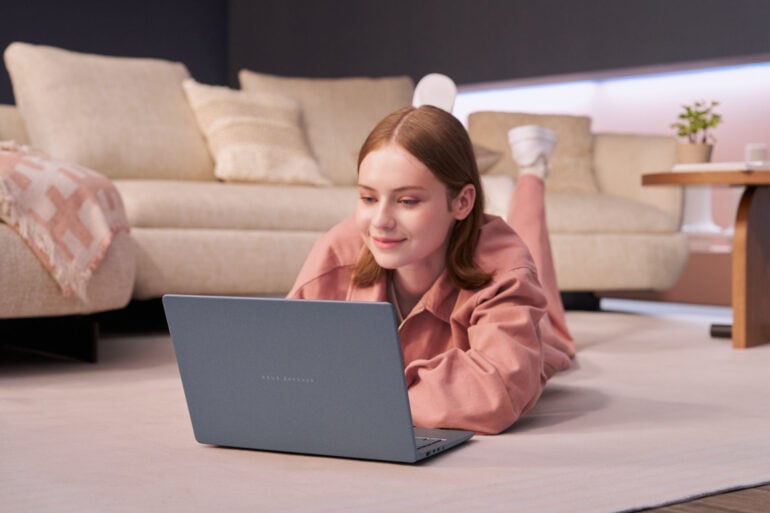
If there’s one thing that’s benefited all of us from the silicon battle in recent years, it’s better laptop battery life. It wasn’t that long ago that an all-day battery in a Windows PC was a ludicrous thought. But with Intel, AMD, and Qualcomm duking it out, improving laptop chip efficiency in the process, 24 hours (and more) of battery juice isn’t such a wild idea anymore. And, if you take Asus’ word for it, the new Zenbook 14 can last up to 33 hours on a single charge.
That 33 hours is based on continuous 1080p video playback, a common testing metric used by PC and phone makers. Even though few people would watch a video for that long, it’s still a decent indication of longevity.
The 2026 model of the Asus Zenbook 14 (dubbed the UX3480) comes in various configurations, replete with your choice of chip provider. Launching now in Australia is the $2,099 Snapdragon X1 variant, which ships with a 512GB SSD, 16GB of LPDDR5X memory, and a 1920 x 1200 OLED 60Hz screen.

More models, including Intel and AMD variants, are scheduled to launch in Australia between November and December. With the top-end Intel Core Ultra and AMD Ryzen AI models, you get a 1TB SSD and 24GB of RAM.
Priced at up to $3,999, depending on the configuration, each Zenbook 14 has a 14-inch OLED display. Some are 3K at 120Hz, while others use 1080p at 60Hz with no touch functionality.
As seen at Computex earlier in the year, there’s a growing demand for different-coloured laptops. Using Asus’ “Ceraluminum” hybrid material, the new laptops come in Arctic Blue and Komodo Coral. They’re fairly light, too, with most variants weighing around 1.1kg.
The post Stylish 2026 Asus Zenbook 14 lasts up to 33 hours on one charge appeared first on GadgetGuy.
0 (mga) komento:
Mag-post ng isang Komento