


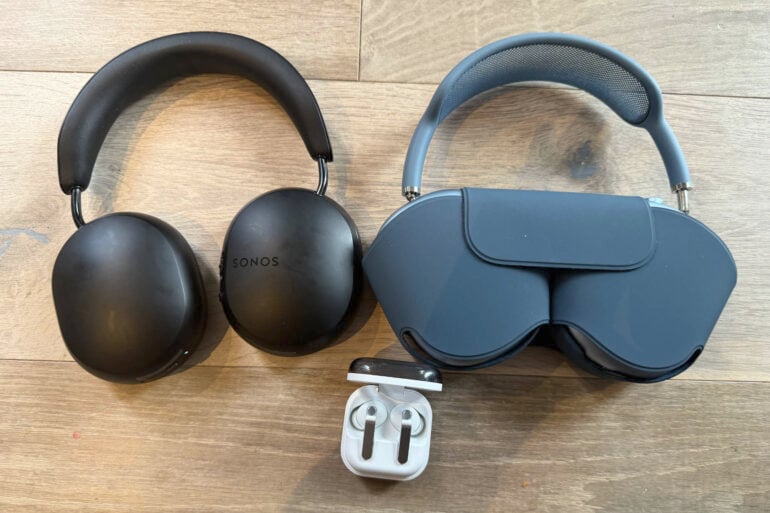
Watching TV out loud, especially through a good sound system, is almost always the superior option for audio quality. However, getting a baby or toddler to go to sleep is a major challenge, so sometimes you just don’t want to tempt fate by watching TV with the volume audible to others.
For that reason, my wife and I have been watching TV in the evening with headphones on for almost two years. The good news is that in 2026, this is easier to do than ever. The bad news is that it’s expensive if you don’t already have some of this stuff anyway.
How to watch TV with Apple headphones
If you’re an Apple household, then it’s easy to share audio from an Apple TV to two pairs of AirPods or Beats headphones with an H1 or H2 chip.
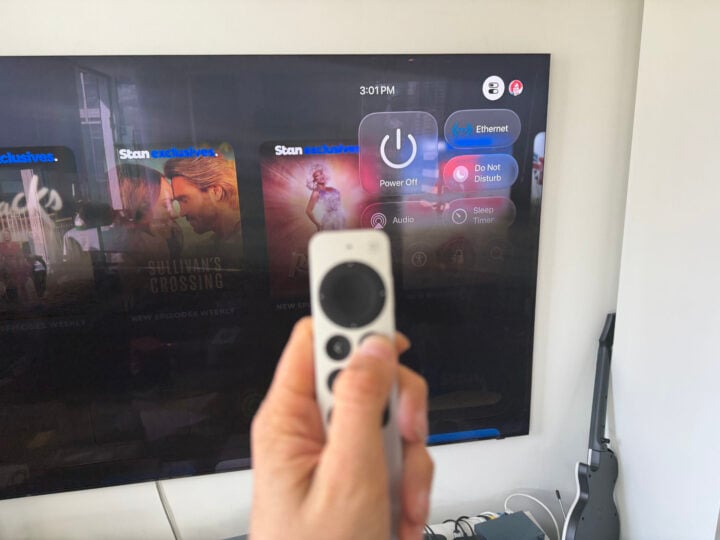
The Apple TV box connected to your TV should automatically detect any AirPods or Beats headphones belonging to members of your iCloud family in the vicinity. Then, to share audio to both sets of headphones, hold down the screen button on the remote, select audio, and then select the two pairs of headphones.
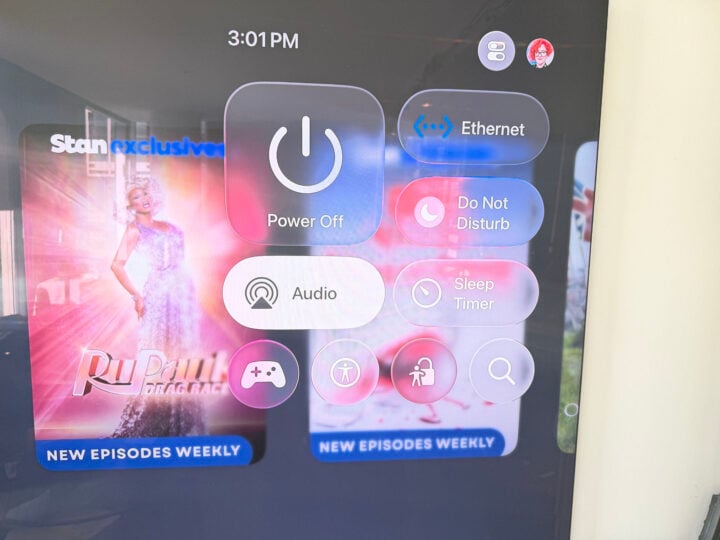
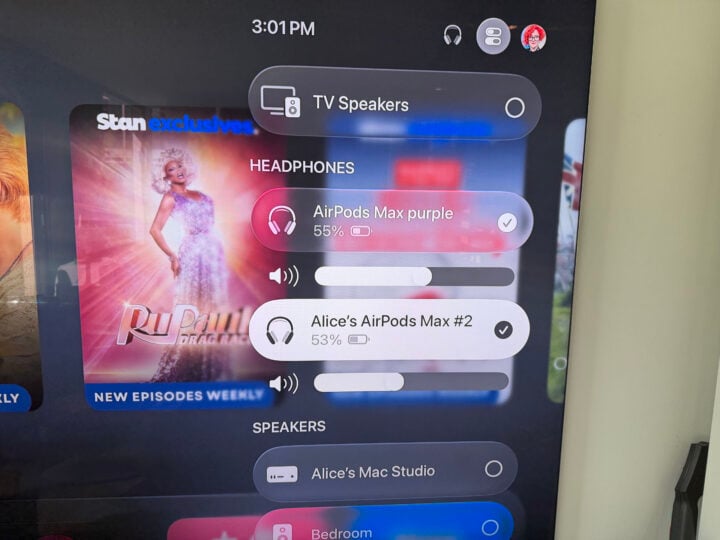
Each user can then individually control their own volume, transparency, and noise cancelling settings from there.
How to watch TV with Samsung headphones
If you’re a Samsung household, the cheapest and easiest way to go if you already have a practically new TV is to use Auracast.
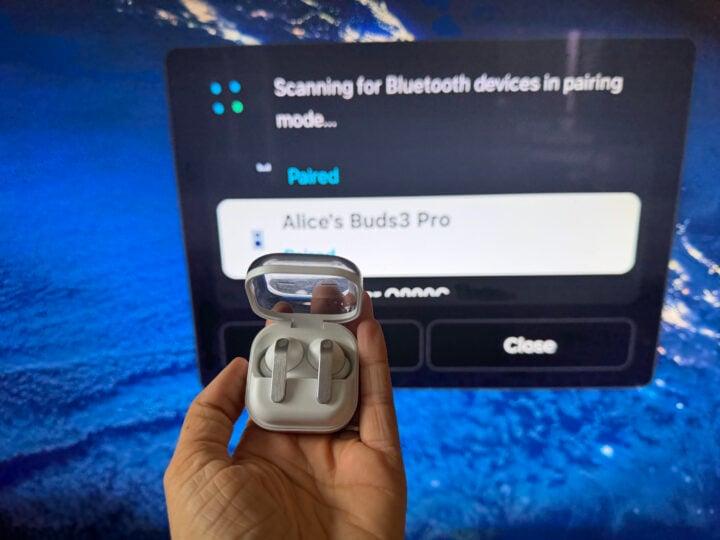
There are some models of TV, particularly Samsung TVs, that utilise this new and exciting technology to allow a lot of people to connect to Bluetooth at the same time. If you have a newish (2024 or newer) Samsung TV and a couple of pairs of Samsung Galaxy Buds Pro with Auracast, you can just connect multiple pairs of Buds to your TV through Bluetooth settings on the TV itself and watch in peace.
Alas, my TV is a bit too old to demonstrate, but it should be pretty obvious once you get to the device settings.
Connecting headphones to a TV using Sonos
However, Sonos users will have the easiest time, though potentially the most expensive setup, if they don’t already have some of the ecosystem.
The Sonos Arc Ultra and Sonos Ray soundbars are compatible with multiple pairs of Sonos Ace headphones, and it’s, well, ace. I already have a setup with a Sonos Arc Ultra, two Era 300s (for rears) and a Sub 4. I also had a pair of Sonos Ace headphones for me, so getting another pair for my wife to use so we could watch TV together while our daughter slept was a no-brainer.
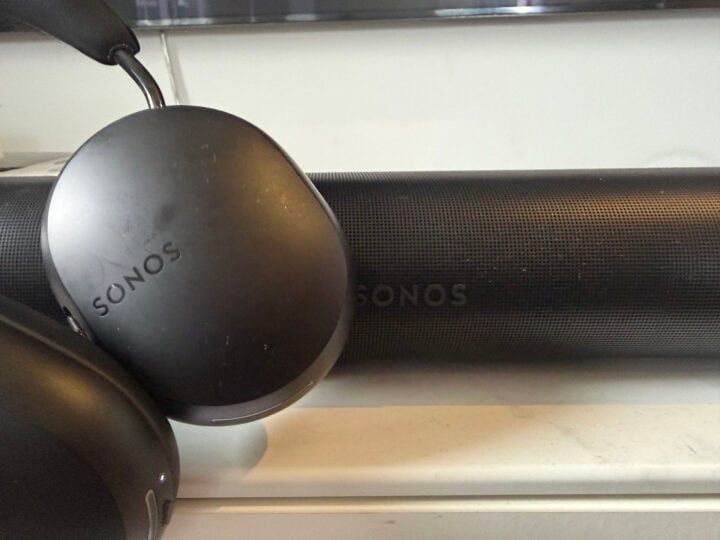
I love how easy it is to pair: you just put on the Ace when the TV is on, and then hold down the button on the Ace until it pairs. If you have trouble with the button (I found it a bit finicky at times), you can just connect it through the app. Super easy, sounds excellent, and means you’re free to watch whatever you want on TV and control the audio with the remote like normal.
In the past, having a multi-headphone set up on a TV required a lot of dongles, cables and workarounds. While it’s still not 100 per cent straightforward and requires some choices, it is now certainly much easier and wire-free. A must-have for anyone who lives with light sleepers or jerk neighbours.
The post How to watch TV with multiple pairs of headphones appeared first on GadgetGuy.
0 (mga) komento:
Mag-post ng isang Komento